
Appearance
Create Folder
Steps
Create a new folder
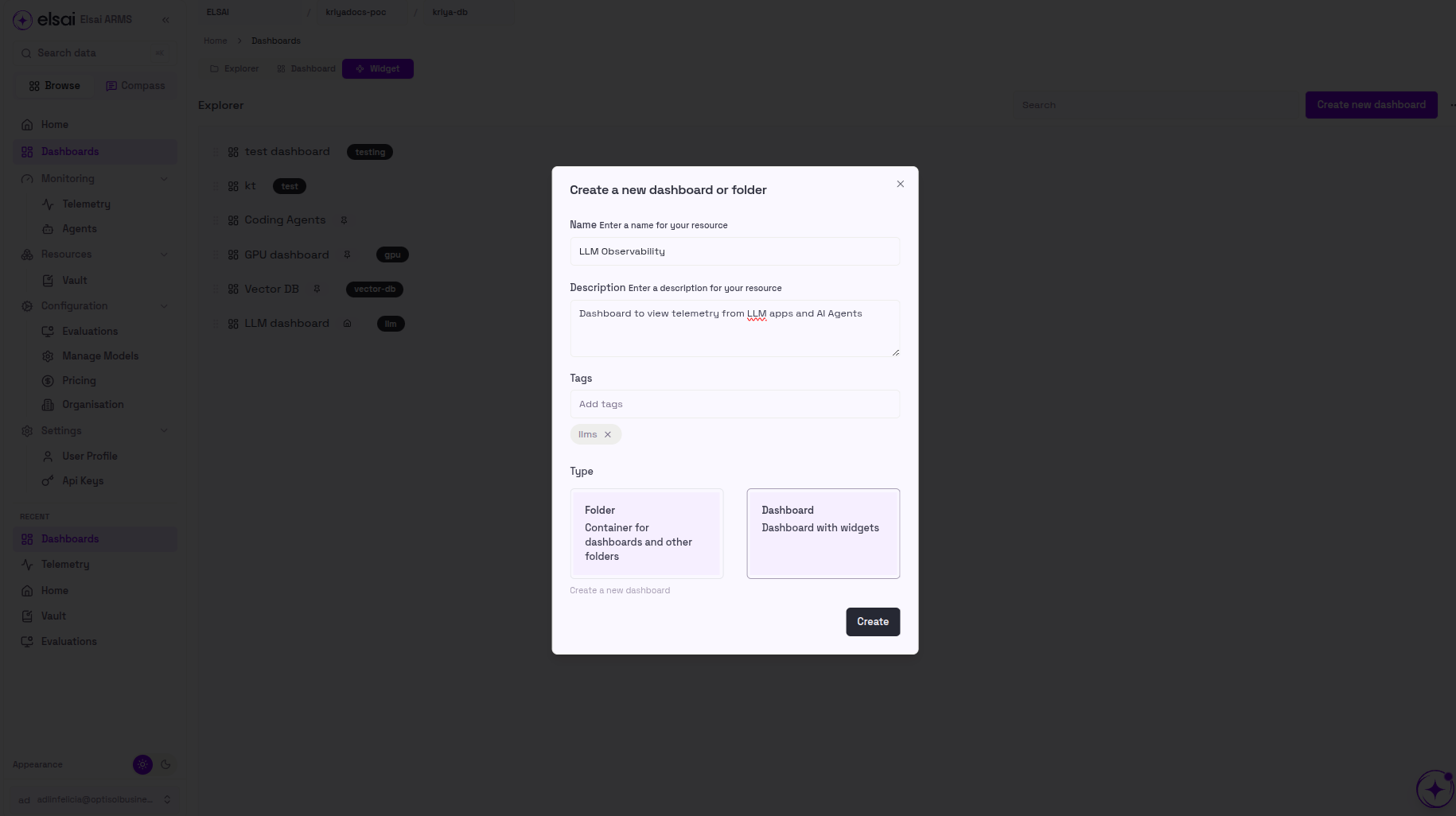
- Navigate to the Dashboards section in the main navigation
- Click the Create new dashboard button in the top right corner
- A "Create a new dashboard or folder" popup will appear
- Fill in the folder details:
- Name: Enter a descriptive name for your folder (e.g., "Production Monitoring")
- Description: Describe what dashboards this folder will contain
- Tags: Add relevant tags for organization and searchability
- Type: Select Folder (Container for dashboards and other folders)
- Click the Create button to create your folder
- Your new folder will appear in the dashboard explorer
Your folder is created
You can now drag and drop dashboards into it directly from the dashboard list.