
Appearance
Export Dashboard
What is it?
Dashboard export allows you to save your dashboard configurations as JSON files, preserving all widgets, layouts, queries, and settings. This is essential for:
- Backup & Recovery: Create backup copies of important dashboards
- Team Sharing: Share proven monitoring setups with team members
- Environment Migration: Move dashboards between dev, staging, and production
- Template Creation: Build reusable dashboard templates for common use cases
Navigate to dashboards
Go to your Dashboards Explorer and locate the dashboard you want to export.
Access export menu
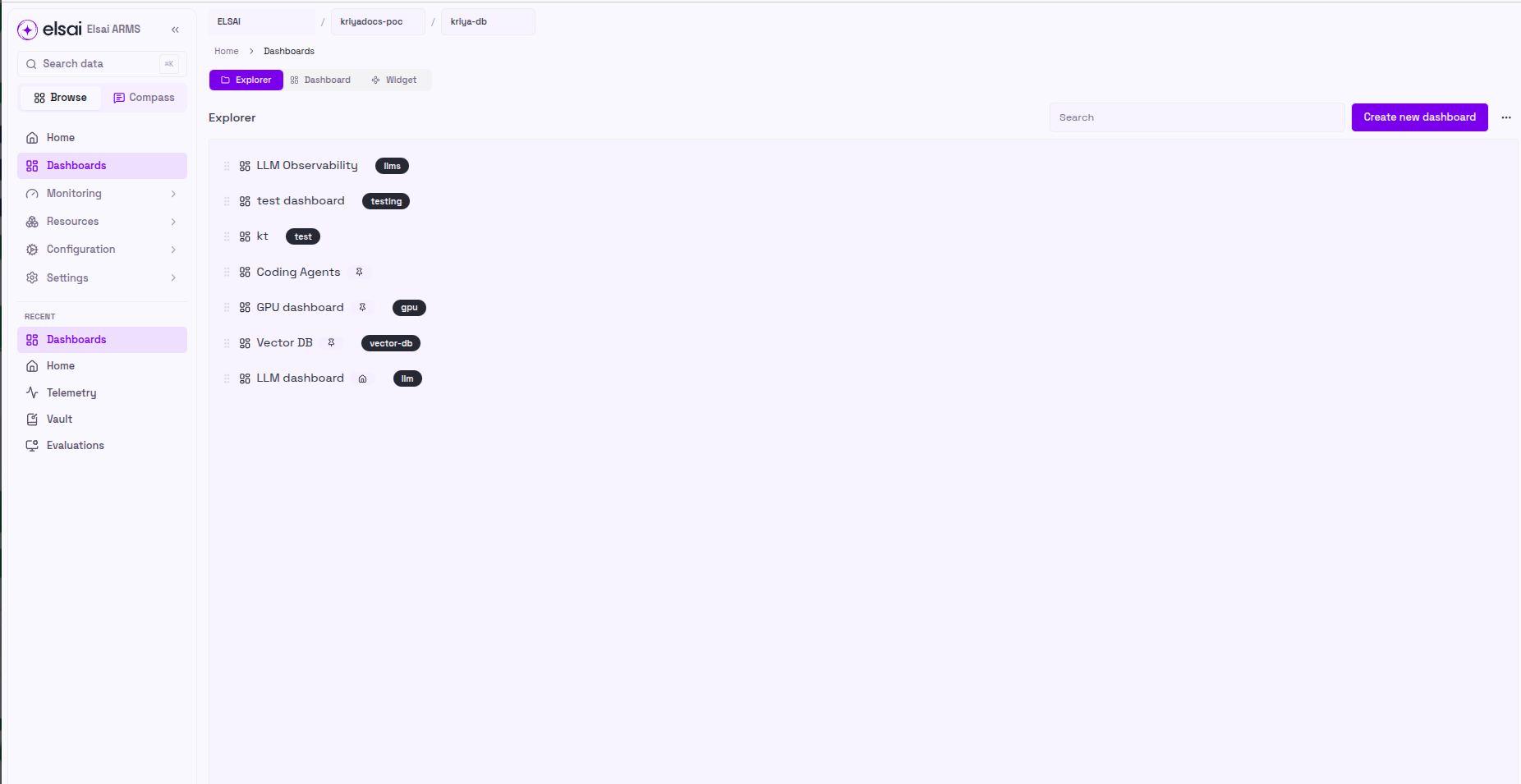
- Click the three dots (⋯) menu icon next to your dashboard name to open the context menu.
- From the dropdown menu, select Export Layout.
Download your dashboard
ARMS will automatically generate and download a JSON file containing your complete dashboard configuration.
The downloaded file will be named after your dashboard (e.g., llm-dashboard.json) and saved to your default download location.