
Appearance
Import Dashboard
What is it?
Dashboard import lets you load pre-built dashboard configurations from JSON files, instantly setting up complex monitoring layouts without manual widget creation. This is perfect for:
- Quick Setup: Deploy comprehensive monitoring in seconds
- Best Practices: Use proven dashboard templates
- Team Sharing: Share dashboard configurations across teams
- Backup & Restore: Restore previous dashboard configurations
Access import
Navigate to your Dashboards Explorer.
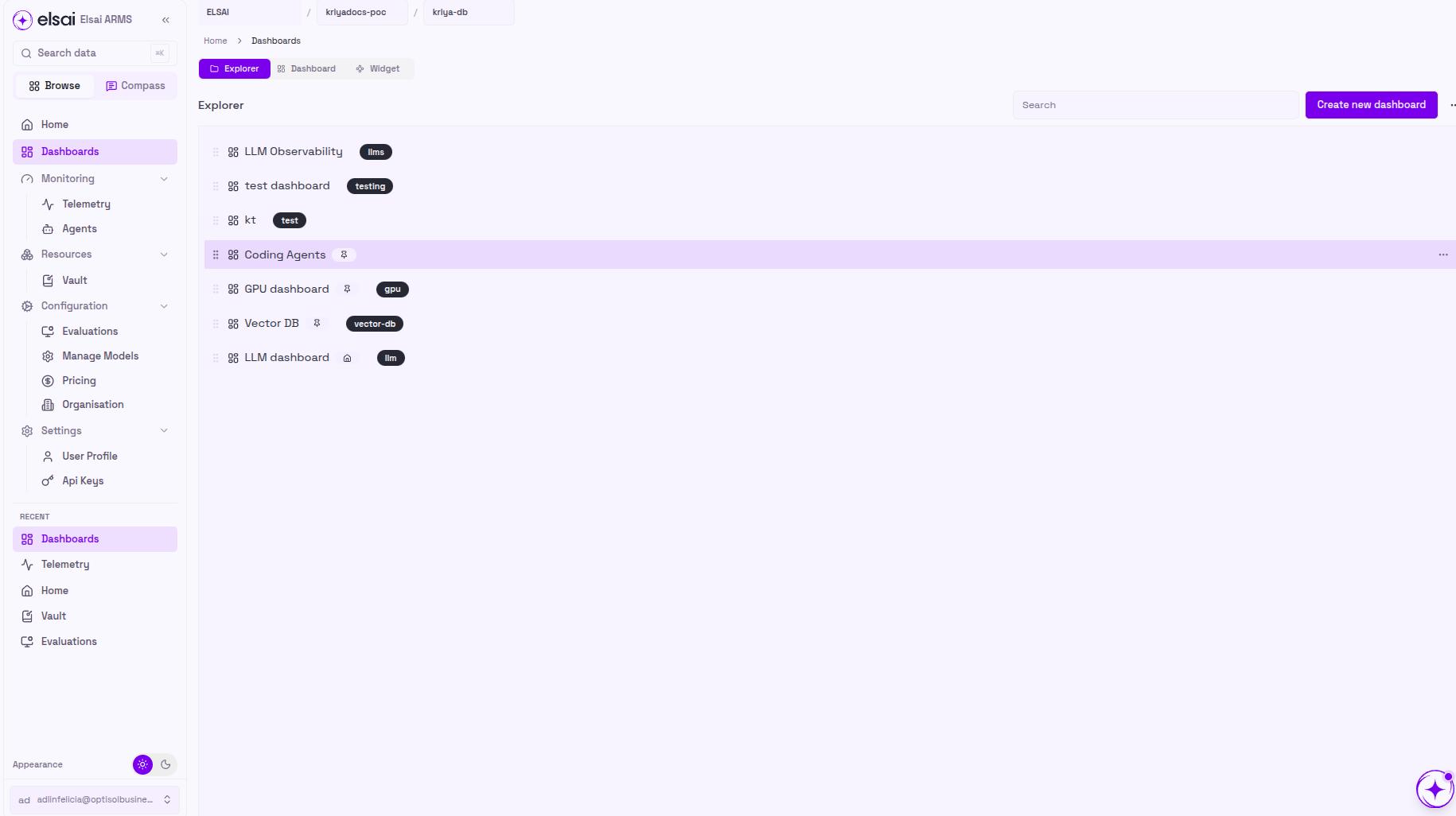
Open the import dialog from the Dashboards Explorer to start importing a layout.
Upload your dashboard JSON
The "Import Board Layout" dialog will appear with a file upload interface.
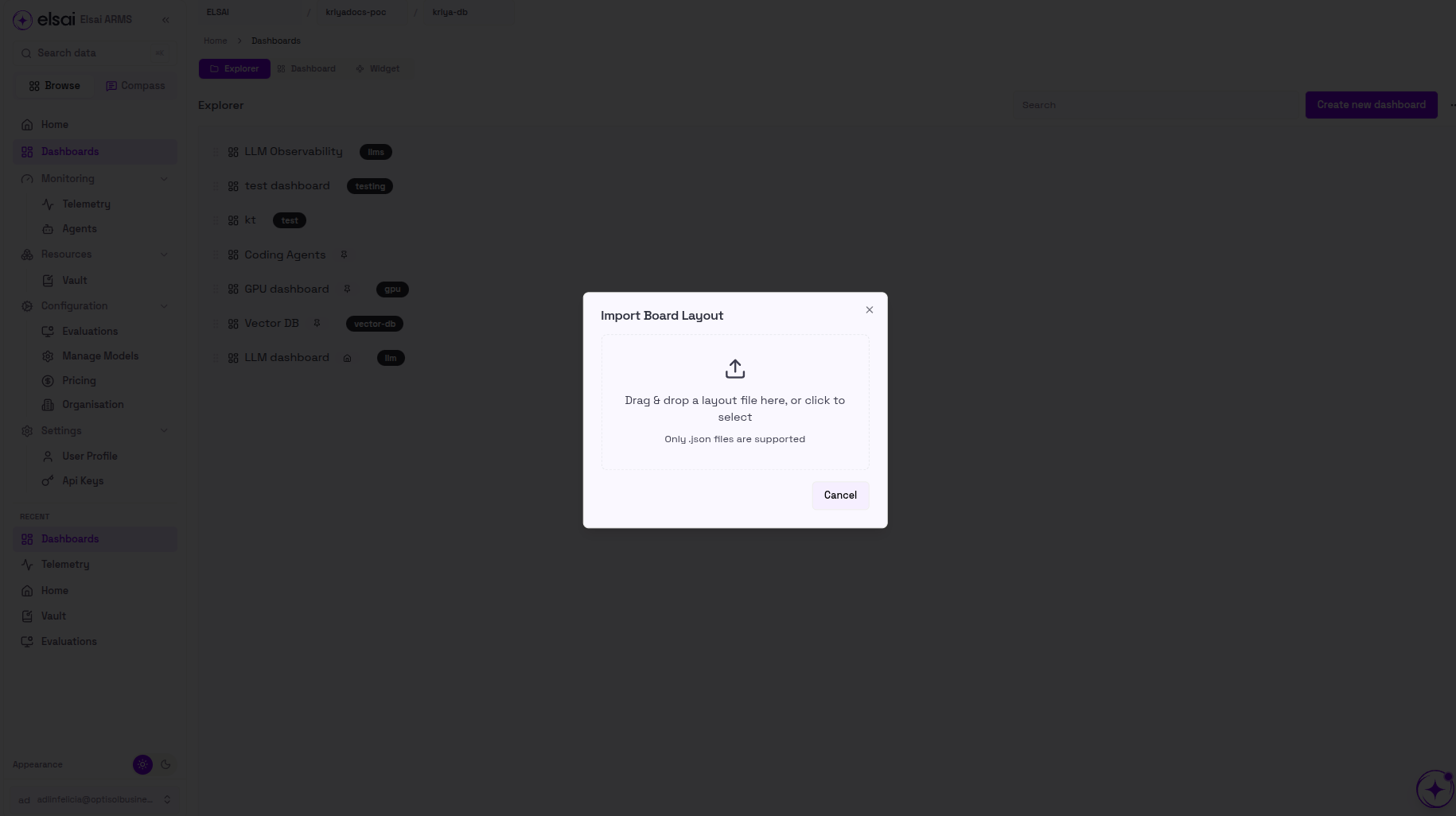
You can upload your dashboard configuration in two ways:
Option 1 - Drag & Drop:
- Drag your
.jsondashboard file directly from your file explorer - Drop it into the designated upload area in the dialog
Option 2 - Browse & Select:
- Click anywhere in the upload area to open your system's file browser
- Navigate to your dashboard file and select it
Your imported dashboard is now ready
You can immediately start monitoring your data with all the pre-configured widgets and layouts.