
Appearance
Workflow Studio
Build AI agents, connect them into workflows, run them on real cases, and release them with control.
Workflow Studio is one place to create agents, give them tools and knowledge, join them into workflows, and run those workflows. Every run is recorded, every release is approved by a second person, and spend stays inside the limits you set.
What is Workflow Studio?
The building blocks, how they fit together, and the build, test and publish life cycle.
→Tutorial: your first workflow
Build two agents and a routing workflow, run it, and publish it in about 20 minutes.
→Agents
Create, test, publish and deploy an agent.
→Workflows
The canvas, inputs, running, versions and publishing.
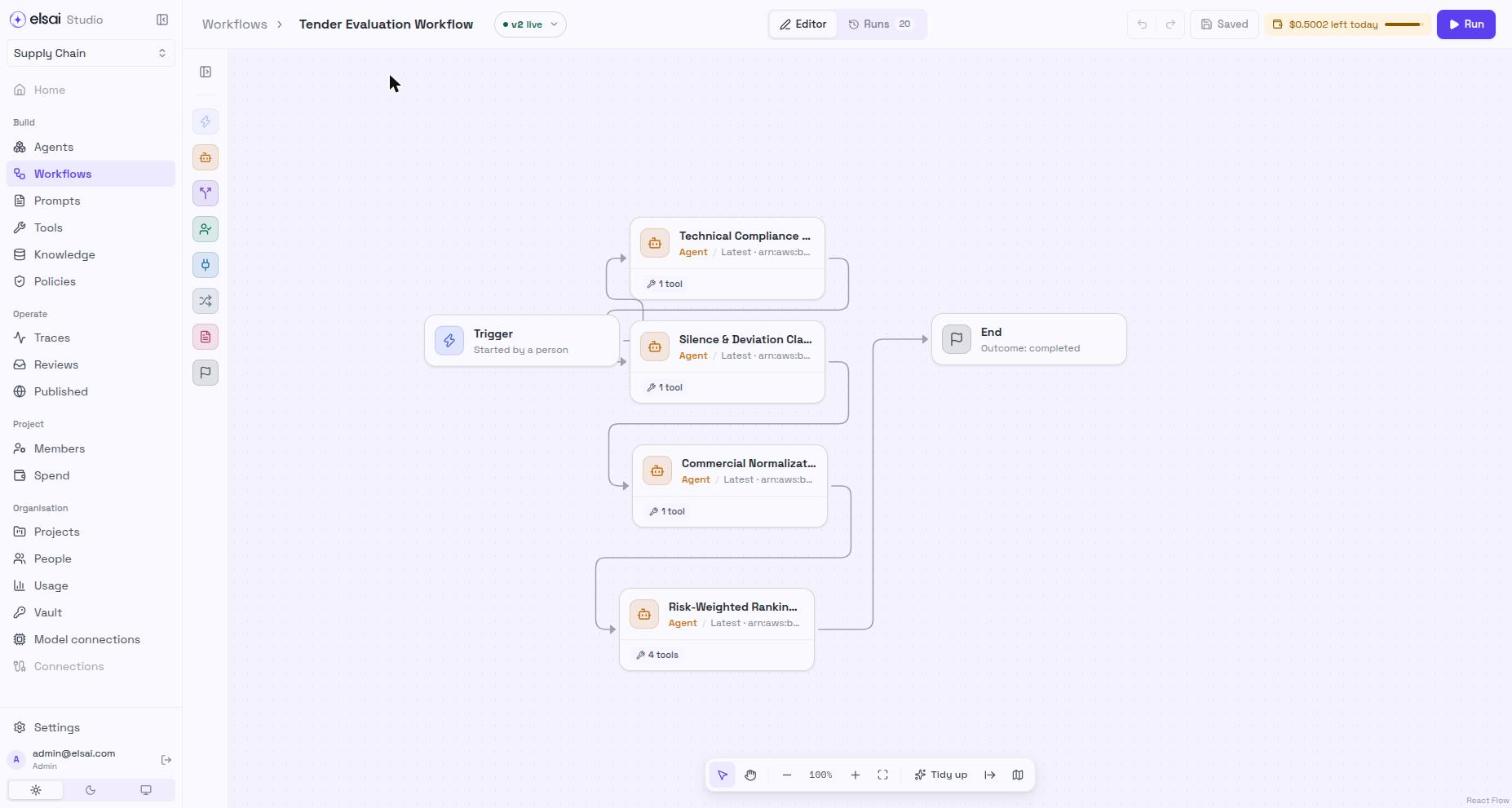
→Screenshot: a workflow on the canvas
What you can do
| Area | What it gives you |
|---|---|
| Agents | A builder, a Playground to test, numbered versions, sub-agent teams, and a URL with keys so other systems can call a published agent |
| Workflows | A visual canvas with Agent, Condition, Python, Read documents, App and End steps, a live run panel, and a Runs view |
| Tools and apps | HTTP tools, MCP servers, Python functions, common tools, and 1.5k+ tools through Composio (Gmail, Outlook, Teams and more) |
| Knowledge | Knowledge bases that agents search before they answer, skills, and documents uploaded to a run |
| Prompts and observability | Versioned, reviewed prompts through Instructions Manager, and every run traced in ARMS |
| Control | Four roles, test-then-publish releases, reviews, project and per-person budgets, a vault for secrets |
How it fits together
How a piece of work moves
A version must pass a test before it can be published. Earlier versions can be deprecated or restored.
Start here
| If you are… | Read, in this order |
|---|---|
| New to Studio | What is Workflow Studio? → Signing in → Tutorial |
| Building agents and workflows | Agents → Tools → Workflows → Workflow steps |
| Approving and releasing | Publish an agent → Publish a workflow → Prompts → Reviews |
| Watching what is running | Traces → Reviews → Spend and budgets |
| Running the platform | Projects → People and roles → Vault → LLM configuration → Settings |