
Appearance
Instruction Manager and ARMS
Workflow Studio comes with prompt management and observability built in. Instruction Manager keeps your prompts versioned and reviewed. ARMS records every run. You sign in once and all three work together.
At a glance
| Instruction Manager | Versioned, reviewed prompts. An agent can use a prompt from Instruction Manager instead of writing its own |
| ARMS | Traces, token use and cost for every agent and workflow run |
| Sign-in | One account across Studio, Instruction Manager and ARMS |
| Who | Everyone uses them. Admins connect and manage them |
1. What each one does
| Instruction Manager | ARMS (Elsai Observe) | |
|---|---|---|
| What it is | A prompt store with versions and a review flow | A tracing and cost platform for AI runs |
| What it does in Studio | An agent can point at a prompt there. When you publish the agent, Studio pins the approved version | Every run sends its steps to ARMS, and Studio reads them back for the Traces screens |
| Where you see it | Prompts and the agent builder | Traces |
2. One sign-in, shared roles
Studio is the single place where people sign in. Instruction Manager and ARMS trust that sign-in, so you do not create separate accounts.
- Your project role carries across: an Approver in Studio can approve prompts in Instruction Manager.
- Admins add people once, in Studio. See People and roles.
- Archiving a project in Studio carries across all three. See Projects.
3. Use a prompt from Instruction Manager
- In the agent builder, open the Behaviour step.
- Choose From Instruction Manager and pick the prompt.
- Publish the agent. Studio pins the prompt version that was approved at that moment, so later edits in Instruction Manager do not change a published agent by surprise.
Screenshot: Prompts, where Studio shows the prompts your agents run
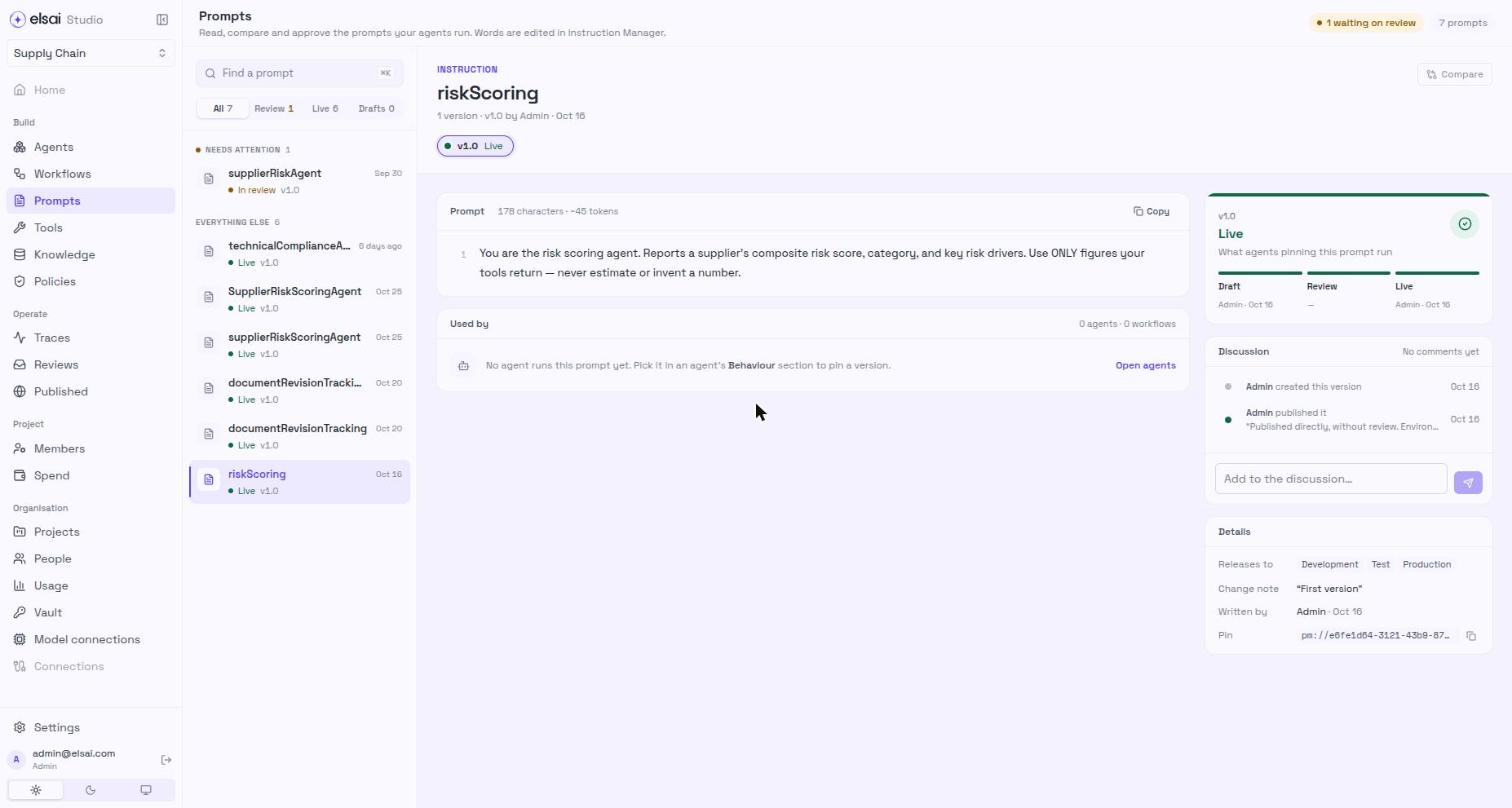
An unapproved prompt blocks publishing, and the message says so. Full steps are in Prompts.
4. See a run in ARMS
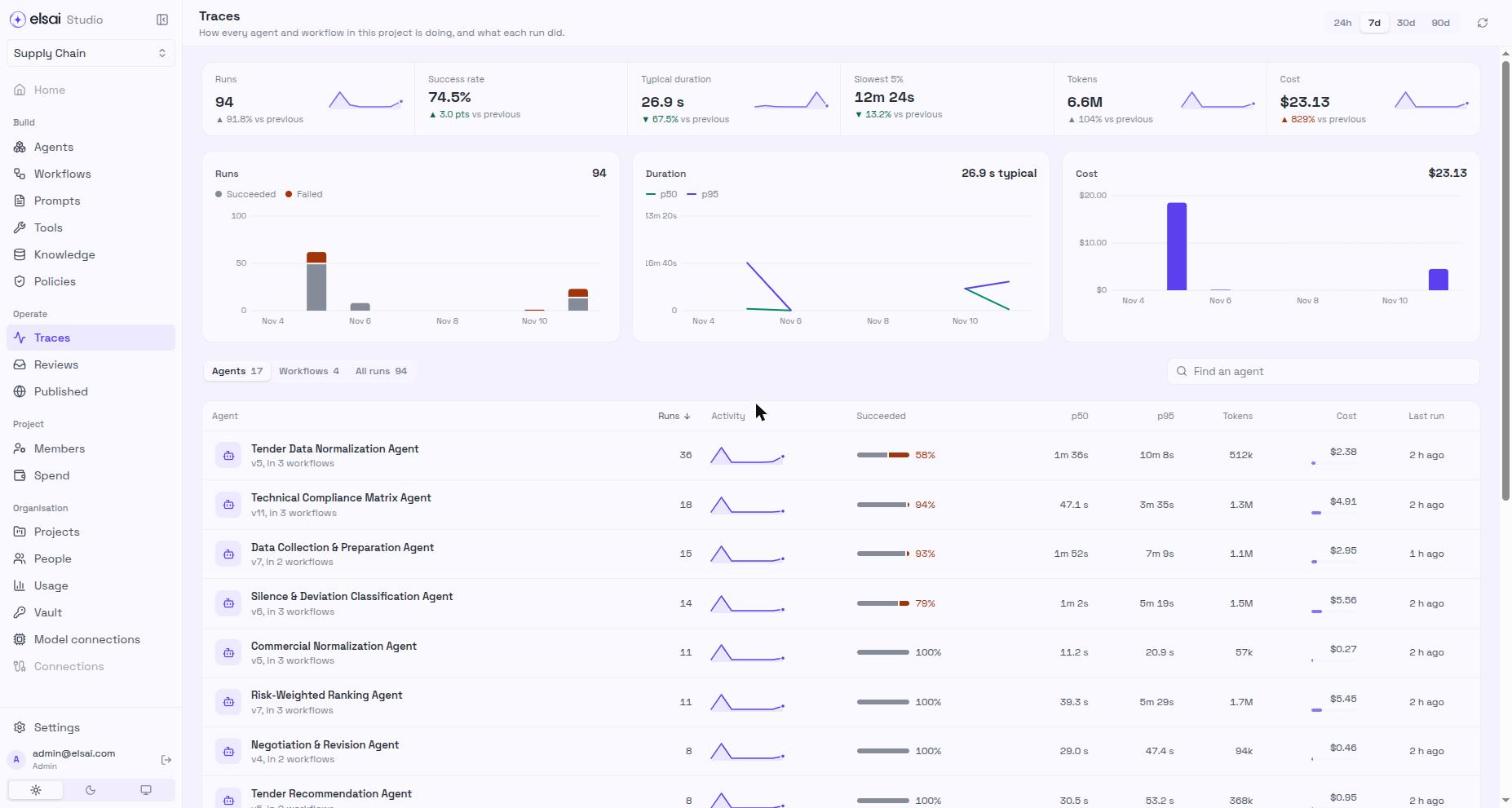
Every Playground, workflow and API run appears in Traces, with the input, each step, tool calls, tokens and cost. Full model and tool detail appears once the project is connected to Elsai Observe.
Screenshot: Traces, the project overview
Related
- Prompts
- Traces
- People and roles
- Instructions Manager and ARMS documentation